Selenium vs Playwright in 2026: Which Should You Learn?
An honest comparison of Selenium and Playwright: architecture, waiting, speed, languages, browsers and jobs, plus advice on which to learn first.
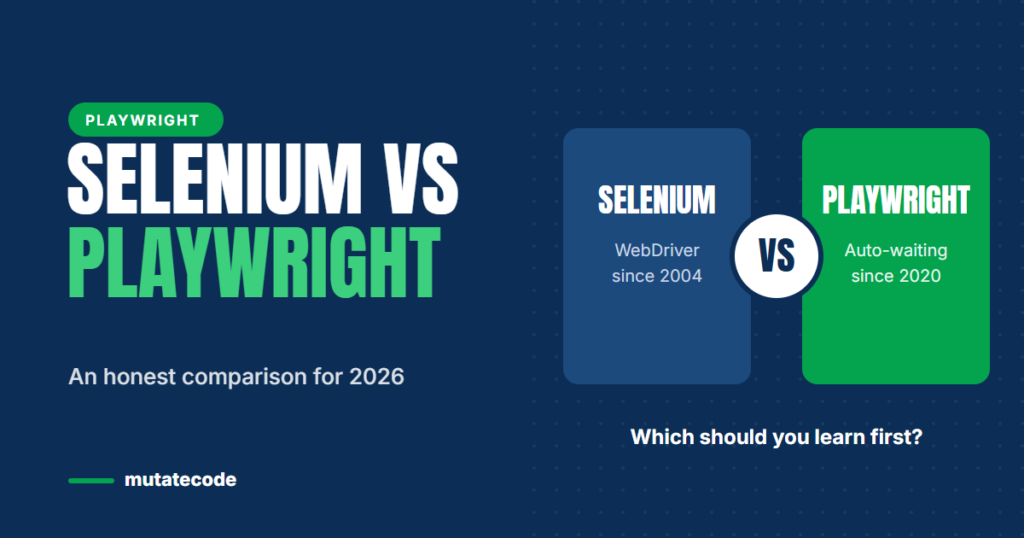
Selenium has been the standard for browser automation for well over a decade. Playwright has grown quickly and is now the default choice for many new projects. If you are starting your automation career, or deciding whether your team should migrate, the question is the same: which one is the better investment? This comparison covers the practical differences and ends with clear recommendations.
The quick comparison
| Selenium | Playwright | |
|---|---|---|
| First released | 2004 | 2020 |
| How it controls the browser | WebDriver standard, through a driver per browser | Its own protocol connection to the browsers it supports |
| Waiting | Explicit and implicit waits you write yourself | Built-in auto-waiting and retrying assertions |
| Test runner | Bring your own (TestNG, JUnit, pytest, Mocha…) | Playwright Test included |
| Languages | Java, Python, C#, JavaScript, Ruby and more | JavaScript/TypeScript, Python, Java, .NET |
| Browsers | Chrome, Firefox, Edge, Safari | Chromium, Firefox and WebKit, plus branded Chrome and Edge |
| Parallel execution | Selenium Grid or runner configuration | Workers and sharding built in |
| API testing | Separate library needed | Built-in request fixture |
| Debugging | Logs and screenshots you configure | Trace Viewer, UI mode, Inspector, codegen |
Architecture
Selenium follows the W3C WebDriver standard. Your test sends commands to a browser driver (such as ChromeDriver), which controls the browser. Because it is a standard implemented by browser vendors, Selenium works with real installed browsers, including Safari, and integrates with large grid infrastructures.
Playwright connects to the browsers it ships with and controls them through a persistent connection. That gives it detailed control over network traffic, multiple tabs, iframes and browser contexts, which are isolated sessions that start in milliseconds. Each test gets a clean context by default, which makes isolation simple.
Waiting and flakiness
This is the biggest day-to-day difference. In Selenium, you decide when to wait, usually with WebDriverWait and expected conditions. Forgetting a wait, or waiting for the wrong condition, is a classic source of flaky tests.
Playwright checks that an element is attached, visible, stable, enabled and able to receive events before it acts, and its web-first assertions retry automatically. You still need to understand synchronisation, but far fewer tests need hand-written waits.
Tooling
Playwright includes a test runner, HTML reports, parallel execution, a trace viewer that records every step, a code generator and a visual UI mode. Selenium is a browser automation library: you combine it with a test runner, reporting tools and a grid. That flexibility is a strength in large enterprises with established stacks, but it means more setup for new projects.
Where Selenium is still the right choice
- Your organisation has a large, healthy Selenium suite and the team knows it well.
- You need a language Playwright does not support, such as Ruby or Kotlin-first projects.
- You must test on real Safari or on specific browser versions through an existing grid or cloud provider.
- Your company standards require the WebDriver protocol.
Where Playwright usually wins
- New web projects, especially with modern JavaScript front ends.
- Teams that want fast feedback without maintaining a grid.
- Suites that combine UI and API checks.
- Teams that struggle with flaky waits and slow debugging.
Which should you learn first?
If you are starting today, learn Playwright with TypeScript first. It teaches modern practices such as auto-waiting, isolated contexts, fixtures and traces, and job descriptions increasingly mention it. Then learn the core Selenium concepts, because many companies still run large Selenium suites and interviewers often ask how the two compare.
If you already know Selenium, your experience transfers well: locator thinking, page objects, test design and CI all still apply. Focus on what is different, which is mainly asynchronous code, auto-waiting, fixtures and browser contexts.
Thinking about migrating?
Do not rewrite everything at once. A safe migration usually looks like this:
- Run a pilot: migrate one small, valuable area and compare speed and stability.
- Let both frameworks coexist while new tests are written in Playwright.
- Migrate the most flaky or most valuable Selenium tests first.
- Rewrite page objects to match Playwright's locators instead of copying
PageFactorypatterns. - Measure success with run time, flaky test count and maintenance effort.
Key takeaways
- Both tools are mature and widely used; neither is "dead".
- Playwright offers auto-waiting, built-in tooling and faster setup for new projects.
- Selenium remains strong for broad language support, real Safari testing and existing enterprise grids.
- New learners get the most value from Playwright with TypeScript, plus a working knowledge of Selenium.
- Migrate gradually, starting with a pilot.
Frequently asked questions
Is Playwright better than Selenium?
For most new web projects, Playwright is faster to set up, less flaky thanks to auto-waiting and easier to debug. Selenium remains a better fit when you need its wider language support, real Safari testing or an existing WebDriver grid.
Should I learn Selenium or Playwright in 2026?
Start with Playwright and TypeScript, then learn Selenium's core concepts. That combination covers modern projects and the many existing Selenium suites you may meet in interviews and jobs.
Can Playwright replace Selenium completely?
In many teams, yes, but not always. Organisations with large Selenium suites, uncommon languages or strict WebDriver requirements often run both during a gradual migration.
Is Selenium experience useful for learning Playwright?
Very. Test design, locator strategy, page objects and CI knowledge transfer directly. The main new concepts are asynchronous JavaScript, auto-waiting, fixtures and browser contexts.
Our Playwright Modern Automation Engineer program includes a dedicated Selenium to Playwright migration phase. New to async code? Start with Why Playwright Uses await Everywhere.